
Nearly 40 percent of british small business websites experience preventable technical issues after launch. Creating a robust WordPress checklist is more than a one-time task for website owners. It is the key to ensuring every detail, from legal compliance to performance monitoring, is covered so your digital presence stands out, runs smoothly, and avoids costly disruptions right from day one.
Table of Contents
- Defining WordPress Launch Checklist Essentials
- Technical Setup and Automation Basics
- Legal, Privacy, and Accessibility Compliance
- Essential Post-Launch Checks and Security
- SEO, Analytics, and Performance Monitoring
Key Takeaways
| Point | Details |
|---|---|
| Technical Setup | Ensure robust security, performance optimisation, and automate updates for a seamless WordPress experience. |
| Content Strategy | Craft clear, engaging content that effectively communicates the brand’s value proposition. |
| Compliance Awareness | Address legal, privacy, and accessibility requirements to build trust and enhance user experience. |
| Post-Launch Evaluation | Conduct thorough performance monitoring and security checks to sustain a secure and efficient website. |
Defining WordPress Launch Checklist Essentials
Launching a WordPress website requires strategic planning and meticulous preparation. A comprehensive launch checklist helps small business owners navigate the complex process of deploying their digital presence effectively. The essential checklist encompasses technical configuration, design refinement, content readiness, and performance optimisation.
The WordPress launch process begins with fundamental technical preparations. This includes configuring core settings, securing your website, and ensuring smooth functionality across different devices. Critical site deployment steps involve selecting appropriate hosting, installing WordPress securely, and configuring initial site parameters. Key technical considerations include:
- Setting up robust security protocols
- Configuring user roles and permissions
- Installing essential plugins for functionality
- Implementing SSL certificates
- Optimising site speed and performance
- Configuring backup and recovery systems
Content strategy forms another crucial aspect of website launch preparation. Businesses must ensure their website communicates their value proposition clearly and professionally. This involves crafting compelling page content, establishing a consistent brand voice, and structuring information in a user-friendly manner. Website development best practices recommend creating engaging, concise content that speaks directly to target audience needs while maintaining technical excellence.
Technical Setup and Automation Basics
WordPress technical setup involves strategic configuration of core systems and intelligent automation to streamline website performance. Small businesses must focus on creating robust, efficient digital infrastructure that minimises manual intervention and maximises operational efficiency. Lesson task structuring provides critical insights into establishing systematic technical workflows.
Key technical automation considerations include implementing smart plugins, configuring intelligent user permissions, and developing seamless integrative processes. Businesses should prioritise:
- Automated plugin updates
- Security scanning and threat detection systems
- Scheduled content backups
- Performance monitoring tools
- User role management automation
- Integrated analytics tracking
Accessibility best practices underscore the importance of technical configuration beyond mere functionality. Implementing responsive design, ensuring cross-device compatibility, and creating intuitive navigation pathways are fundamental to developing a technically sophisticated WordPress website. Automation should not compromise user experience but rather enhance it through intelligent, adaptive systems that anticipate and respond to user needs efficiently.

Legal, Privacy, and Accessibility Compliance
Navigating the complex landscape of legal and privacy requirements is crucial for WordPress website launches. Small businesses must proactively address compliance concerns to protect both their organisation and their users. Lesson task guidelines highlight the importance of systematic approaches to meeting regulatory standards.
Key compliance considerations for WordPress websites include:
- Implementing comprehensive privacy policies
- Configuring robust data protection mechanisms
- Ensuring GDPR and CCPA compliance
- Protecting user data collection practices
- Maintaining transparent consent mechanisms
- Providing clear user data management options
Accessibility best practices are fundamental to legal compliance, extending beyond mere technical requirements. Websites must be designed to accommodate users with diverse abilities, ensuring equal access to information and services. This involves implementing screen reader compatibility, keyboard navigation support, colour contrast standards, and alternative text for multimedia content. Website compliance strategies require a holistic approach that integrates legal, technical, and user experience considerations, transforming compliance from a regulatory obligation into a demonstration of organisational integrity and user respect.
Essential Post-Launch Checks and Security
After deploying a WordPress website, small businesses must implement rigorous post-launch security and performance verification processes. Release checklist protocols provide critical guidance for ensuring comprehensive site integrity and functionality.
Essential post-launch checks should encompass multiple critical domains:
- Performance monitoring
- Security vulnerability scanning
- Functionality testing across devices
- Plugin and theme compatibility verification
- Load speed and responsiveness assessment
- Database integrity checks
- User experience validation
WordPress release day guidelines emphasise the importance of systematic verification processes. Implementing automated security scanning, regular backup configurations, and continuous performance monitoring transforms post-launch checks from a one-time task into an ongoing strategic approach. Secure website deployment requires a proactive mindset that anticipates potential vulnerabilities and creates robust protective mechanisms, ensuring your WordPress site remains secure, performant, and aligned with best practice standards.
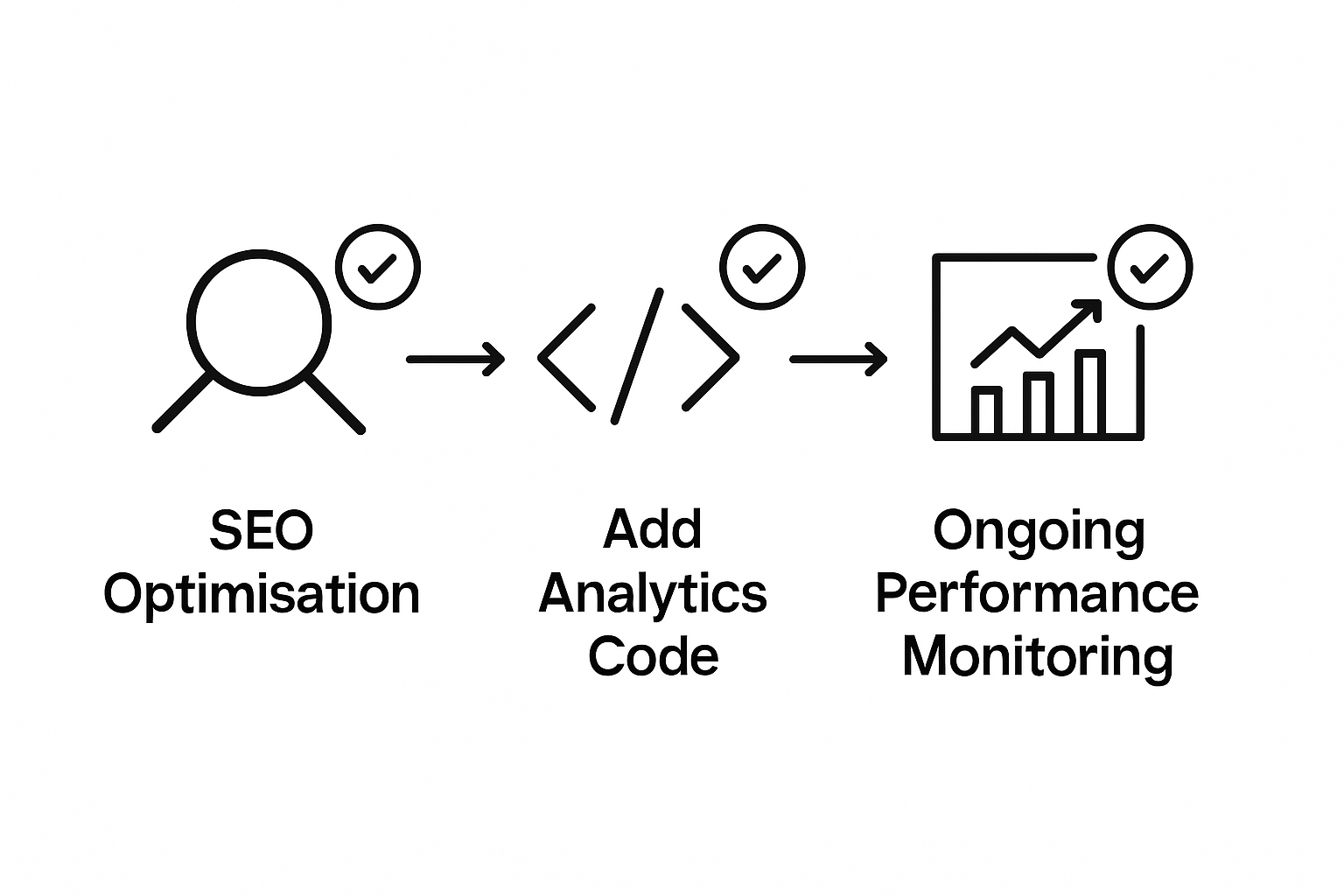
SEO, Analytics, and Performance Monitoring
Successful WordPress websites demand sophisticated monitoring strategies that go beyond basic traffic tracking. Lesson task methodologies emphasise comprehensive performance evaluation techniques that enable small businesses to understand and optimise their digital presence.
Critical SEO and performance monitoring elements include:
- Keyword performance tracking
- Page load speed analysis
- User engagement metrics
- Conversion rate monitoring
- Search engine ranking assessments
- Mobile responsiveness checks
- Organic traffic growth measurement
Accessibility best practices demonstrate that performance monitoring directly impacts user experience and search engine visibility. Implementing advanced analytics tools allows businesses to gain granular insights into website performance, identifying potential improvements and optimisation opportunities. Web development best practices suggest creating a holistic monitoring approach that combines technical performance metrics with user behaviour analysis, transforming raw data into actionable strategic intelligence.
Streamline Your WordPress Launch with Intelligent Automation
Launching a WordPress website involves tackling critical challenges such as security setup, performance optimisation and compliance management. These essential tasks can quickly become overwhelming and time consuming for small business owners aiming for a smooth digital debut. The pressure to manage everything from automated backups to legal privacy policies while maintaining flawless user experience calls for scalable, intelligent solutions.
At Fame Razak, we specialise in transforming complex launch checklists into automated systems that work quietly in the background. Our expertise in workflow orchestration and AI powered automation helps you eliminate manual bottlenecks related to plugin updates, security scans and performance monitoring. Imagine launching your site with confidence knowing critical post-launch checks and SEO tracking are handled seamlessly.
Ready to turn your WordPress launch challenges into streamlined operations Explore how our tailored automation strategies can free you to focus on growing your business Visit Fame Razak and discover practical ways to apply technology that accelerates success. The sooner you start automating, the faster your website thrives in today’s competitive environment. Take the first step to optimising your digital launch now.
Frequently Asked Questions
What essential steps should I include in my WordPress website launch checklist?
A comprehensive checklist should cover technical configurations, design refinements, content readiness, performance optimisation, and compliance with legal and accessibility standards.
How can I ensure my WordPress site is secure before launch?
To secure your WordPress site, implement robust security protocols, configure user roles and permissions, install essential security plugins, and set up SSL certificates along with backup systems.
What are the key components of an effective content strategy for a WordPress site?
An effective content strategy should include crafting engaging page content, establishing a consistent brand voice, structuring information for usability, and ensuring the content aligns with target audience needs.
How do I monitor the performance of my WordPress website after launch?
Post-launch, monitor your website’s performance by using analytics tools to track keyword performance, page load speed, user engagement metrics, and conversion rates, allowing for ongoing optimisation and improvement.